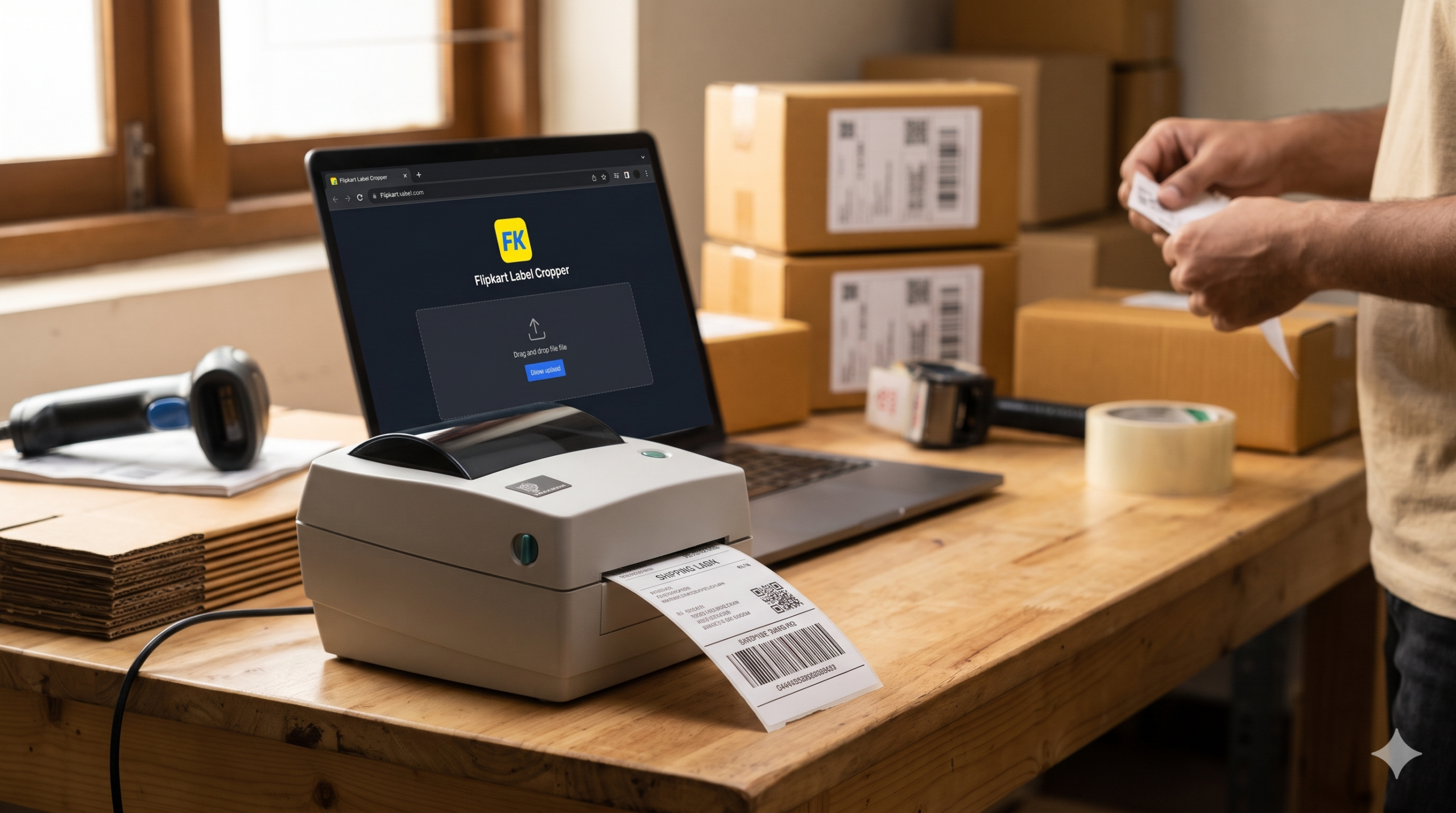
For active sellers on Flipkart Seller Hub, packing morning dispatches quickly is critical to avoiding SLA breaches. A common daily bottleneck is formatting default shipping label PDFs.
Flipkart bundles the delivery shipping label and the customer tax invoice onto a single multi-page sheet. Printing this file directly onto a standard 4×6 thermal roll printer (like TSC, Xprinter, Zebra, or TVS) results in illegible barcodes,wasted thermal paper, or distorted text scaling.
This guide covers why this format occurs and how to use a free online Flipkart label cutter to separate labels and invoices in one click.
Why Flipkart Seller Hub Bundles Labels and Invoices
When downloading batch dispatch documents under Orders → Ready to Ship, Flipkart generates combined PDF files:
- Top Half / Label Section: Contains the recipient address, return warehouse details, EKart routing logistics, and the primary scannable tracking barcode.
- Bottom Half / Invoice Section: Displays item price, GST breakup, HSN codes, and seller signature details.
Placing an invoice onto expensive 4×6 thermal sticker paper wastes adhesive inventory and exposes buyer billing data on package exteriors. Conversely, standard A4 desktop printing wastes 75% of the page without manual cropping. An automated Flipkart label crop workflow eliminates this friction entirely.
How to Perform a 1-Click Flipkart Label Crop Online
Using our dedicated Flipkart Label Cropper utility, batch PDFs convert into ready-to-print rolls in under three seconds:
- Download Your PDF Batch: Log in to your Flipkart Seller dashboard and download your pending dispatch manifest as a regular PDF.
- Drop the File into the Tool: Upload the document to the Flipkart label cutter.
- Choose Output Format: Select 4×6 Thermal (100mm × 150mm) for standard roll printers, or 4-in-1 A4 if using sticker sheets on an inkjet/laser printer.
- Export Clean Files: The engine instantly extracts and trims the shipping label while keeping the tax invoice cleanly preserved as a separate page.
Key Advantages of Using a Browser-Based Label Cutter
- Clean Barcode Readability: Thermal courier scanners at sorting hubs require crisp 203 DPI to 300 DPI barcode lines. Automated edge detection scales labels proportionally without blurring tracking lines.
- Complete Buyer Data Privacy: Because our Flipkart shipping label crop tool runs client-side in the web browser, seller sales records and customer phone numbers are never stored on external servers.
- Cost Reduction: Printing only thermal labels saves paper rolls, while invoices can be batched on economical standard paper.
Recommended Thermal Printer Settings
To ensure barcodes scan without errors at pickup:
- Paper Size: Set directly to
4 x 6 inches(or100 x 150 mm). - Scale: Select Actual Size (100%) or Fit to Printable Area; do not stretch across axes.
- Darkness / Density: Set density between 8 and 12 on thermal drivers so dark barcode lines do not bleed together.
Begin formatting daily dispatch batches today with the free Flipkart Label Cropper—no installation or account creation required.
Leave a Reply