Tag: #Label

  • Flipkart Label Cutter: How to Crop Shipping Labels & Invoices to 4×6 Thermal Format

    Flipkart Label Cutter: How to Crop Shipping Labels & Invoices to 4×6 Thermal Format

    For active sellers on Flipkart Seller Hub, packing morning dispatches quickly is critical to avoiding SLA breaches. A common daily bottleneck is formatting default shipping label PDFs.

    Flipkart bundles the delivery shipping label and the customer tax invoice onto a single multi-page sheet. Printing this file directly onto a standard 4×6 thermal roll printer (like TSC, Xprinter, Zebra, or TVS) results in illegible barcodes,wasted thermal paper, or distorted text scaling.

    Why Flipkart Seller Hub Bundles Labels and Invoices

    When downloading batch dispatch documents under Orders → Ready to Ship, Flipkart generates combined PDF files:

    • Top Half / Label Section: Contains the recipient address, return warehouse details, EKart routing logistics, and the primary scannable tracking barcode.
    • Bottom Half / Invoice Section: Displays item price, GST breakup, HSN codes, and seller signature details.

    Placing an invoice onto expensive 4×6 thermal sticker paper wastes adhesive inventory and exposes buyer billing data on package exteriors. Conversely, standard A4 desktop printing wastes 75% of the page without manual cropping. An automated Flipkart label crop workflow eliminates this friction entirely.

    How to Perform a 1-Click Flipkart Label Crop Online

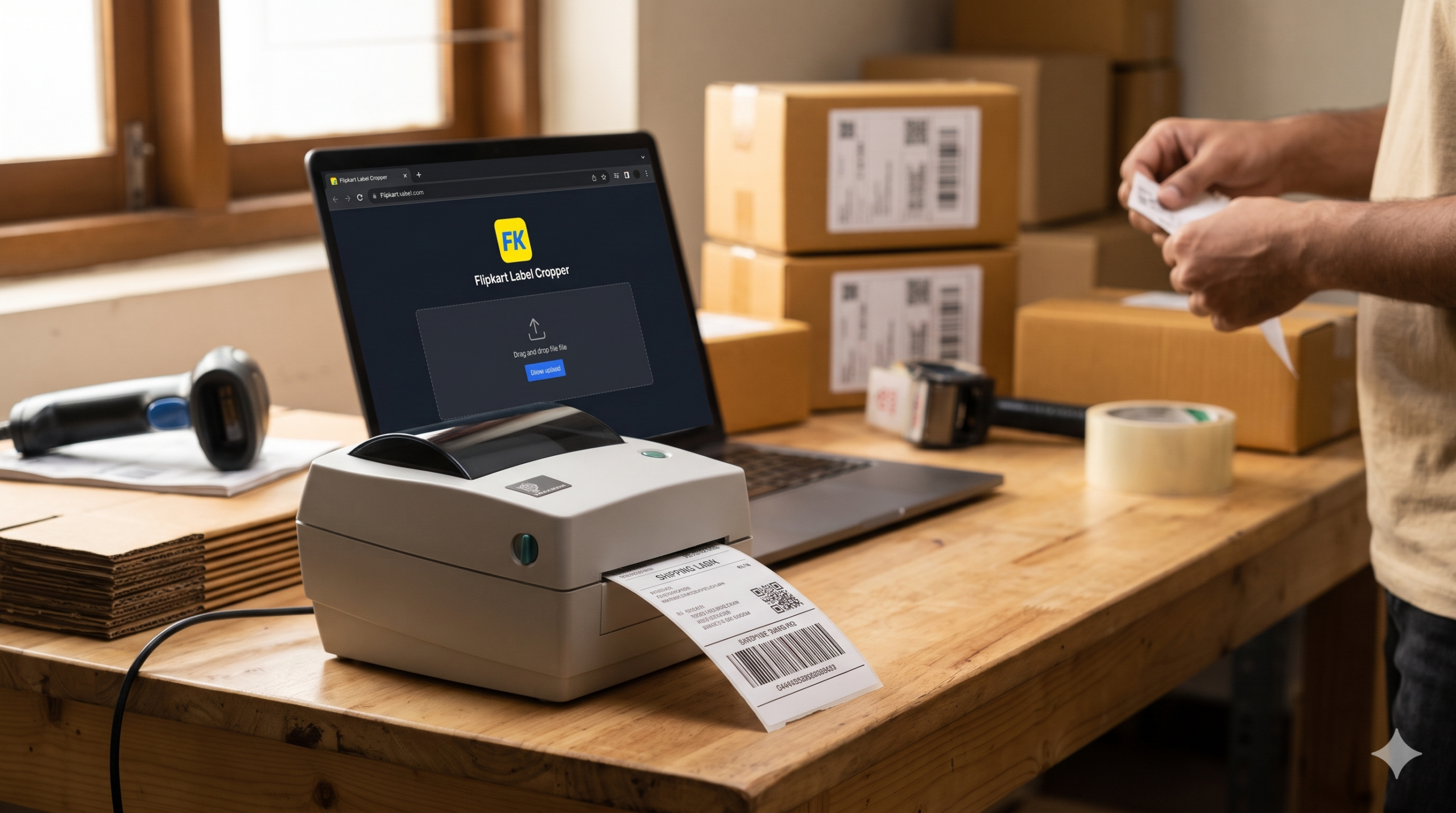
    Using our dedicated Flipkart Label Cropper utility, batch PDFs convert into ready-to-print rolls in under three seconds:

    1. Download Your PDF Batch: Log in to your Flipkart Seller dashboard and download your pending dispatch manifest as a regular PDF.
    2. Drop the File into the Tool: Upload the document to the Flipkart label cutter.
    3. Choose Output Format: Select 4×6 Thermal (100mm × 150mm) for standard roll printers, or 4-in-1 A4 if using sticker sheets on an inkjet/laser printer.
    4. Export Clean Files: The engine instantly extracts and trims the shipping label while keeping the tax invoice cleanly preserved as a separate page.

    Key Advantages of Using a Browser-Based Label Cutter

    • Clean Barcode Readability: Thermal courier scanners at sorting hubs require crisp 203 DPI to 300 DPI barcode lines. Automated edge detection scales labels proportionally without blurring tracking lines.
    • Complete Buyer Data Privacy: Because our Flipkart shipping label crop tool runs client-side in the web browser, seller sales records and customer phone numbers are never stored on external servers.
    • Cost Reduction: Printing only thermal labels saves paper rolls, while invoices can be batched on economical standard paper.

    Recommended Thermal Printer Settings

    To ensure barcodes scan without errors at pickup:

    • Paper Size: Set directly to 4 x 6 inches (or 100 x 150 mm).
    • Scale: Select Actual Size (100%) or Fit to Printable Area; do not stretch across axes.
    • Darkness / Density: Set density between 8 and 12 on thermal drivers so dark barcode lines do not bleed together.

    Begin formatting daily dispatch batches today with the free Flipkart Label Cropper—no installation or account creation required.
  • Flipkart Label Crop with Invoice: How to Crop PDF & Separate Tax Invoices Free

    Flipkart Label Crop with Invoice: How to Crop PDF & Separate Tax Invoices Free

    For marketplace sellers processing hundreds of orders every morning, downloading packing slips from Flipkart Seller Hub presents a daily formatting hurdle.

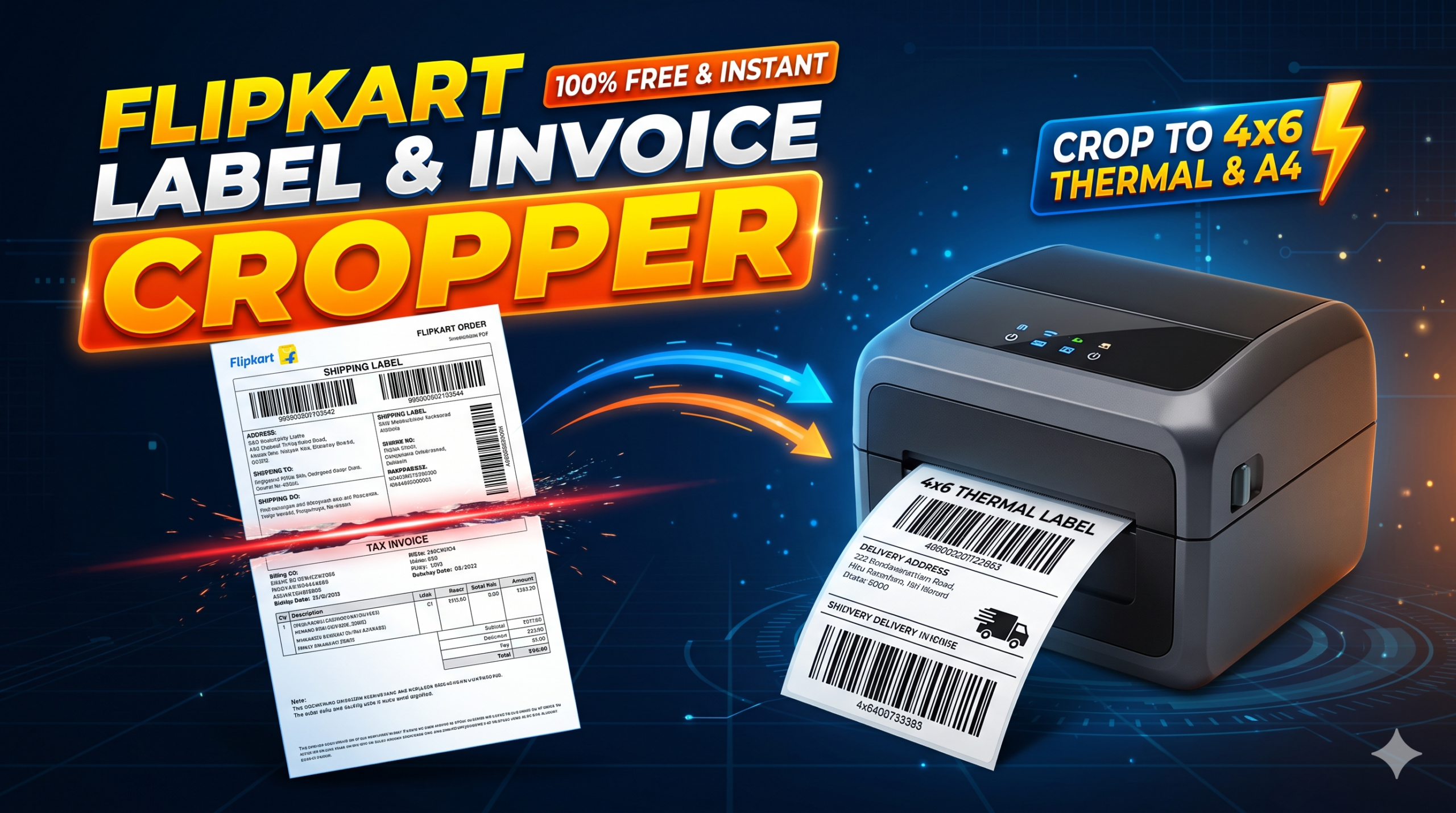
    When you bulk-download orders, Flipkart merges the Shipping Label and the Customer Tax Invoice into a single, integrated A4 page.

    If you try to print this integrated file on a standard 4×6 thermal printer, your printer scales down the entire page. Barcodes end up squished, unreadable by Ekart or Delhivery barcode scanners, and half of your thermal roll is wasted printing a paper invoice that belongs inside the package.

    Here is a complete operational guide explaining how to do a Flipkart label crop with invoice using an online Flipkart shipping label crop tool—without manual cropping, paid subscriptions, or desktop software installations.

    Why Sellers Need a Dedicated Flipkart Invoice Cropper

    Under Indian GST norms, an order must carry a tax invoice, while logistics partners (Ekart, Shadowfax,Delhivery, Xpressbees) require a scannable shipping barcode on the outer box.

    Flipkart bundles both onto one A4 sheet (595 x 842 pt):

    1. Upper Section (~48% of the page): Shipping Label containing customer address, AWB barcode,routing code, and return address.
    2. Lower Section (~52% of the page): Tax Invoice showing customer billing data, itemized pricing,CGST/SGST breakdowns, and seller GSTIN.

    The Problem with Uncropped Dispatch Printing:

    • Barcode Scan Rejections: Forcing an A4 PDF onto 4×6 thermal rolls compresses barcode lines,causing doorstep pickup executives to reject packages.
    • Wasted Adhesive Paper: Thermal sticker paper costs ₹0.40 to ₹0.60 per label. Printing tax invoices on sticky thermal rolls wastes expensive stock.
    • Customer Privacy Risks: Displaying detailed invoices on the exterior of parcels exposes declared product values and payment modes to handlers.

    Using an automated Flipkart invoice cropper extracts the top label for your thermal printer while keeping your tax invoices separate for customer packing slips.

    How to Crop Flipkart PDFs & Separate Labels in 3 Steps

    Instead of using desktop graphics software or paying for tools like Quick Label Crop or E-Cropper, you can execute a clean Flipkart crop PDF directly in your browser:

    Step 1: Download Your Orders PDF from Flipkart

    Log in to your Flipkart Seller Hub, navigate to Orders $\rightarrow$ Active Orders $\rightarrow$ Ready to Dispatch, and select all pending shipments. Click Generate Labels / Packing Slips to download your multi-page order PDF.

    Step 2: Upload to the Flipkart Label Cutter Tool

    Open Flipkart Label Cropper. Drag and drop your downloaded file into the upload box.

    Step 3: Choose Your Dispatch Format & Download

    Select your required print configuration:

    • 4×6 Thermal Mode (Single Label): Automatically trims the tax invoice away and scales the shipping label to 100 x 150 mm (4×6 in) for thermal roll printers (TVS, TSC, Zebra, Xprinter).
    • A4 Multi-Label Mode (4-in-1): Compiles 4 cropped shipping labels per A4 sheet, cutting paper and sticker sheet costs by up to 75% for laser/inkjet printers.

    The engine processes a batch of 50 to 100 orders in under 5 seconds, giving you a print-ready PDF file.

    Quick Label Crop Flipkart vs. Browser-Based Cropping

    Many sellers search for alternatives like quick label crop flipkart or e cropper flipkart. While conventional tools work, many enforce daily quotas, require recurring subscriptions, or upload files to external cloud servers.

    Here is why a browser-based Flipkart label cutter offers a better alternative:

    FeatureTypical Cloud ToolsFlipkart Label Cropper
    Data PrivacyPDFs hit remote AWS/cloud servers100% Client-Side (No server uploads)
    Batch Processing Speed1 to 3 minutes (Upload/Download queues)3 to 5 seconds (Local browser memory)
    Pricing / QuotaDaily limits or monthly feesFree for everyday seller dispatches
    Output QualityOften compressedVector-crisp barcodes at 100% scale

    Best Thermal Printer Settings for Clear Barcode Scans

    To avoid courier pickup delays, ensure your system print properties are configured properly:

    1. Page Size: Select 4 x 6 in or 100 x 150 mm.
    2. Scale: Always set scale to 100% or Actual Size. Avoid selecting “Fit to Printable Area” or “Shrink to Fit”, as scaling can distort barcode line spacing.
    3. Darkness / Density: In your printer preferences, set darkness between 8 and 12 to prevent barcode fade.

    Frequently Asked Questions (FAQ)

    Can I do a Flipkart label and invoice crop for bulk PDF files?

    Yes. You can upload a multi-page PDF containing 50, 100, or more shipments. The tool automatically processes every page in the batch.

    Does this tool upload my customer data to an online server?

    No. The PDF cropping engine runs locally inside your browser using JavaScript. Your customer addresses, sales figures, and invoices never leave your computer.

    Can I still access the tax invoice after cropping?

    Yes. Cropping only generates a formatted shipping label document. Your original PDF downloaded from Flipkart Seller Hub remains completely untouched on your device for filing GST returns.