When dispatching daily orders from Flipkart Seller Hub, one of the most frustrating errors sellers face is the dreaded “Barcode Unscannable” rejection from courier pickup executives (Ekart, Delhivery, or Shadowfax).
Nine out of ten times, this issue isn’t caused by a broken printer or a low-grade thermal roll. It happens because of a mismatch between the Flipkart shipping label size in the PDF and the paper size configured in your printer driver.
Here is an operational guide to Flipkart shipping label dimensions, thermal barcode printer driver settings,and how to format your files for a 100% first-pass scan rate.
What is the Official Flipkart Shipping Label Size?
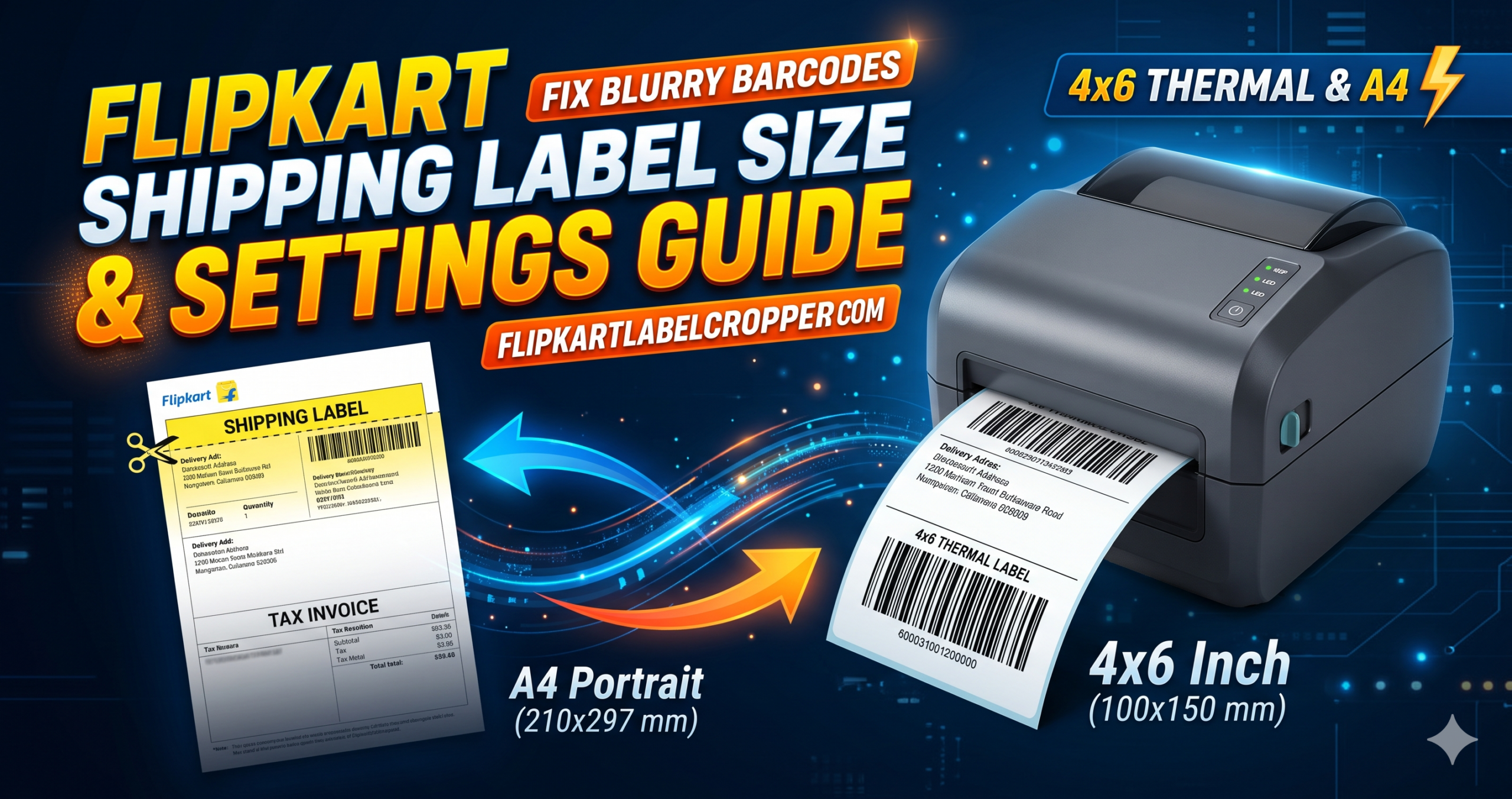
When you click “Download Labels” in Flipkart Seller Hub, Flipkart does not provide a standalone 4×6 thermal sticker. Instead, it generates an A4 portrait document (210 x 297 mm / 595 x 842 points) that bundles both the dispatch sticker and the tax invoice on one page.
| Document Component | Raw Flipkart Download | Standard Thermal Sticker Roll | A4 Sheet (4-in-1 Layout) |
| Dimensions (Inches) | 8.27 x 11.69 in | 4 x 6 in | 8.27 x 11.69 in (Split) |
| Dimensions (Millimeters) | 210 x 297 mm | 100 x 150 mm | 105 x 148 mm per sticker |
| Page Layout | Label (Top) + Invoice (Bottom) | Isolated Shipping Label Only | 4 Cropped Labels per Page |
| Recommended Printer | Standard Laser / Inkjet | TVS, TSC, Zebra, Xprinter | Any Desktop A4 Printer |
Because Flipkart’s courier logistics barcode requires high-density scan bars, feeding an uncropped A4 PDF straight into a 4×6 thermal printer forces your computer to shrink the document by over 50%. This compression distorts the barcode gaps and causes doorstep scanner failures.
The Correct Thermal Printer Settings for Flipkart Labels
To get dark, crisp barcodes that scan on the first try, verify these three essential driver settings before sending your file to print:
1. Match Driver Paper Size to Your Roll (100 x 150 mm)
- Open Printers & Scanners in your operating system settings.
- Select your thermal barcode printer (TVS LP46, TSC TE244, Rongta, Xprinter, or Zebra) and open Printing Preferences.
- Set the paper stock size explicitly to 4.00 x 6.00 inches or 100.0 x 150.0 mm. Never leave it on “Letter”or “User Defined” defaults.
2. Lock Scaling to “Actual Size” (100%)
- In your print window, select “Actual Size” or set Scale: 100%.
- Never select “Fit to Printable Area” or “Shrink Oversized Pages.” Scaling stretches the label vertically or horizontally, ruining the barcode’s optical resolution.
3. Adjust Print Darkness & Print Speed
- Print Darkness / Density: Set your thermal head darkness between 8 and 11 (or 60–70%). Setting it too high smudges thin barcode lines; setting it too low creates faded, broken gaps.
- Print Speed: If you notice ribbon wrinkling or barcode drift, decrease print speed from 5 ips to 3 or 4 inches per second.
How to Convert Flipkart A4 PDFs to 4×6 Size in Seconds
You don’t need manual PDF slicing tools or expensive paid extensions to convert your files. Using the free Flipkart Label Cropper web tool, you can format batches instantly:
- Upload Your Orders PDF: Drag and drop your Flipkart Seller Hub dispatch file into flipkartlabelcropper.com.
- Select “Thermal 4×6”: The tool detects the shipping label boundaries, strips away the bottom tax invoice, and outputs a native 100 x 150 mm vector PDF.
- Print Without Login: Click download and send the file straight to your thermal printer with zero upload delays and full data privacy.
Don’t Have a Thermal Printer? Use the A4 4-in-1 Sheet Option
If you fulfill orders using a standard office laser or inkjet printer, you don’t need to waste an entire A4 sheet on a single dispatch.
Select the A4 4-in-1 mode in the cropper tool to arrange 4 cropped labels cleanly on one sheet. This cuts paper and adhesive label costs by 75% while keeping parcel identification sharp and legible.
Frequently Asked Questions (FAQ)
What is the exact size of a Flipkart label in pixels?
At standard 203 DPI thermal resolution, a 4×6 inch label is 812 x 1218 pixels. At 300 DPI, it translates to 1200 x 1800 pixels.
Why is my Flipkart label barcode printing blurry?
Blurry barcodes usually occur when an uncropped A4 packing slip is printed directly using “Fit to Page” on thermal paper. Crop the label to native 4×6 format first and print at 100% scale.
Can I print customer invoices on thermal rolls?
While technically possible, printing tax invoices on thermal rolls is not recommended. Thermal rolls cost significantly more than plain paper, and thermal print fades over time when exposed to heat and sunlight.
Leave a Reply